
Starting a voice conversation
Tap the voice button next to the message box to start talking. Fig listens, responds, and gets to work — just like a typed request.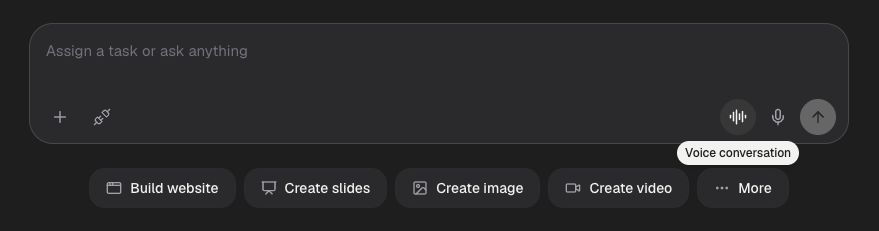
The voice button sits in the message bar, next to the quick actions.
Voice and text share the same conversation. You can say something out loud,
then switch back to typing, and Fig keeps all the context — nothing is lost
between the two.
What you can do by voice
Anything you’d type, you can say:- “Add a testimonials section to my site with three quotes.”
- “What’s on my schedule this week?”
- “Make me a flyer for Saturday’s sale.”