
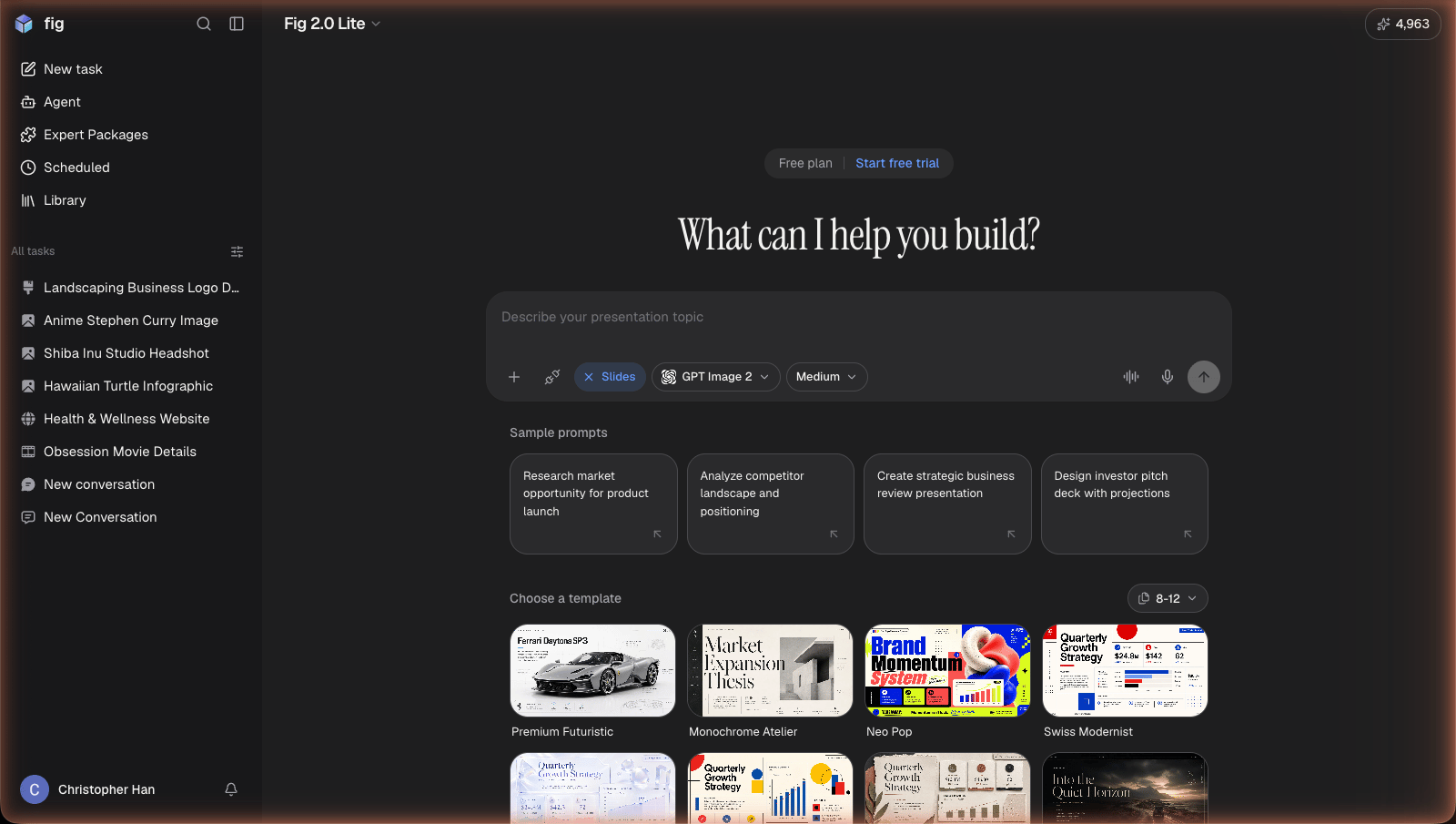
Choose Slides and describe your deck — or start from a template.
Quick start
Open a chat (or tap the Create slide quick action) and describe the deck you want. A short request works:What Fig creates
- A full deck with a clear flow — title, sections, and a closing slide
- Written content for each slide, in the tone you ask for
- Visuals and layouts that match the topic
Refining your deck
Just keep chatting to make changes — “combine slides 3 and 4,” “use warmer colors,” “add a slide about shipping.” Fig updates the deck and shows you the result.Exporting
When it’s ready, export your deck however you need it:- PDF — for sharing or printing
- PowerPoint — to keep editing in PowerPoint
- Google Slides / Google Drive — sent straight to your connected Google account