Build a complete website with Fig, just by describing what you want.
One of the most popular things to do with Fig is build a website — and then put
it online with your own web address. This section walks through it start to finish.
In a chat, tell Fig what kind of website you want. Include anything that matters to
you, like:
What your business does
The name you want shown
The style or colors you like
Any sections you need (about, services, contact, booking, and so on)
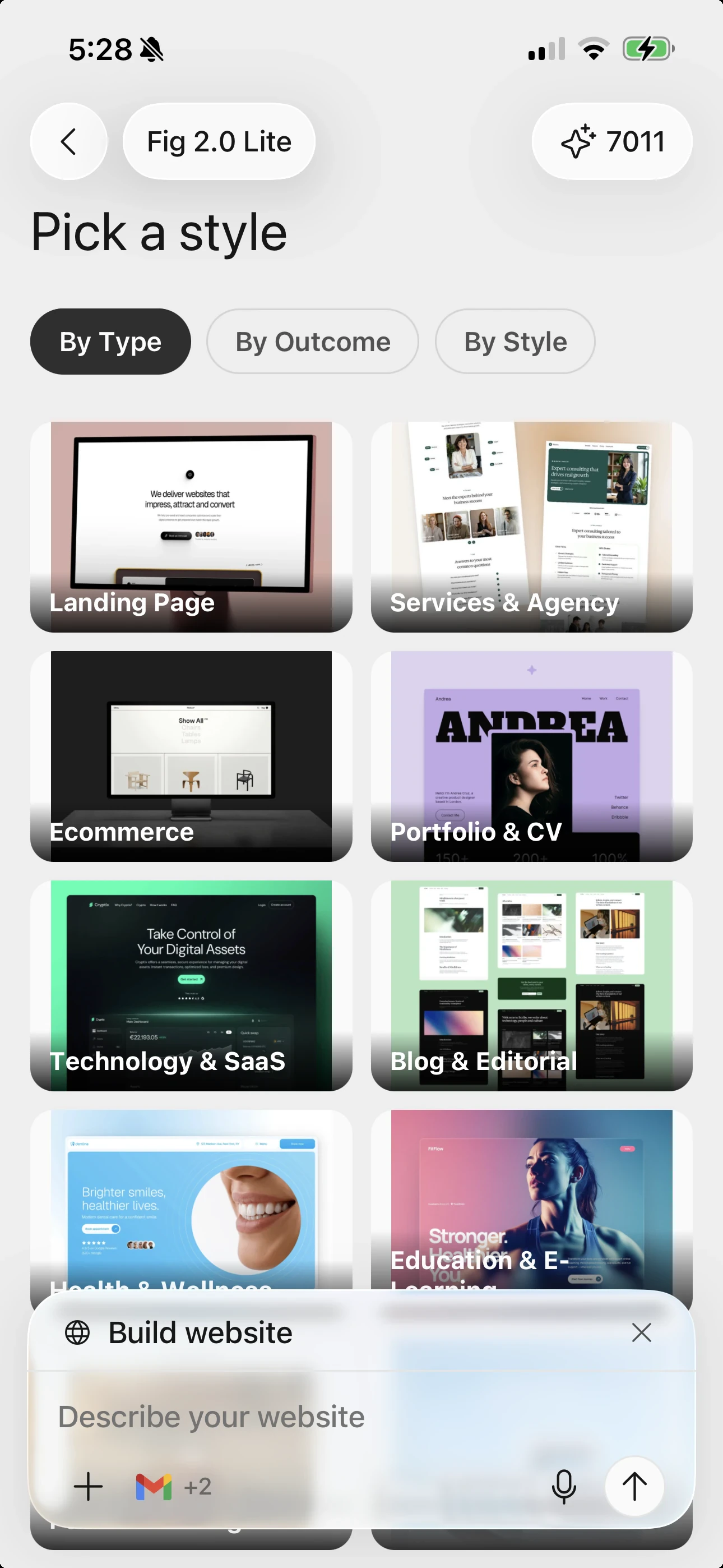
You can also pick a style to point Fig in the right direction — browse by type
(like Landing Page, Portfolio, or Ecommerce), by outcome, or by look. Then Fig
builds a complete website for you, ready to view and edit.
Pick a starting style by type, outcome, or look — or just describe your site.
Don’t worry about getting it perfect on the first try. You can change anything
afterward — just tell Fig what you’d like different.