
Quick start
Describe what you want to know — and, if you like, what you want at the end:What Fig does
- Reads the web — Fig gathers information from across multiple sources.
- Sorts the signal from the noise — it distills findings into the points that matter.
- Delivers it your way — a written summary, a slide deck, a PDF, or just an answer in the chat.
Deep research
For bigger questions, Fig can run deep research — it splits the work across several helpers that look into different angles at the same time, then combines everything into a single, well-organized answer that cites its sources. You get the depth of a thorough review without the wait of doing it one step at a time. This is great for questions like “compare the top five tools in my industry” or “give me a briefing on this market” — where one quick search isn’t enough.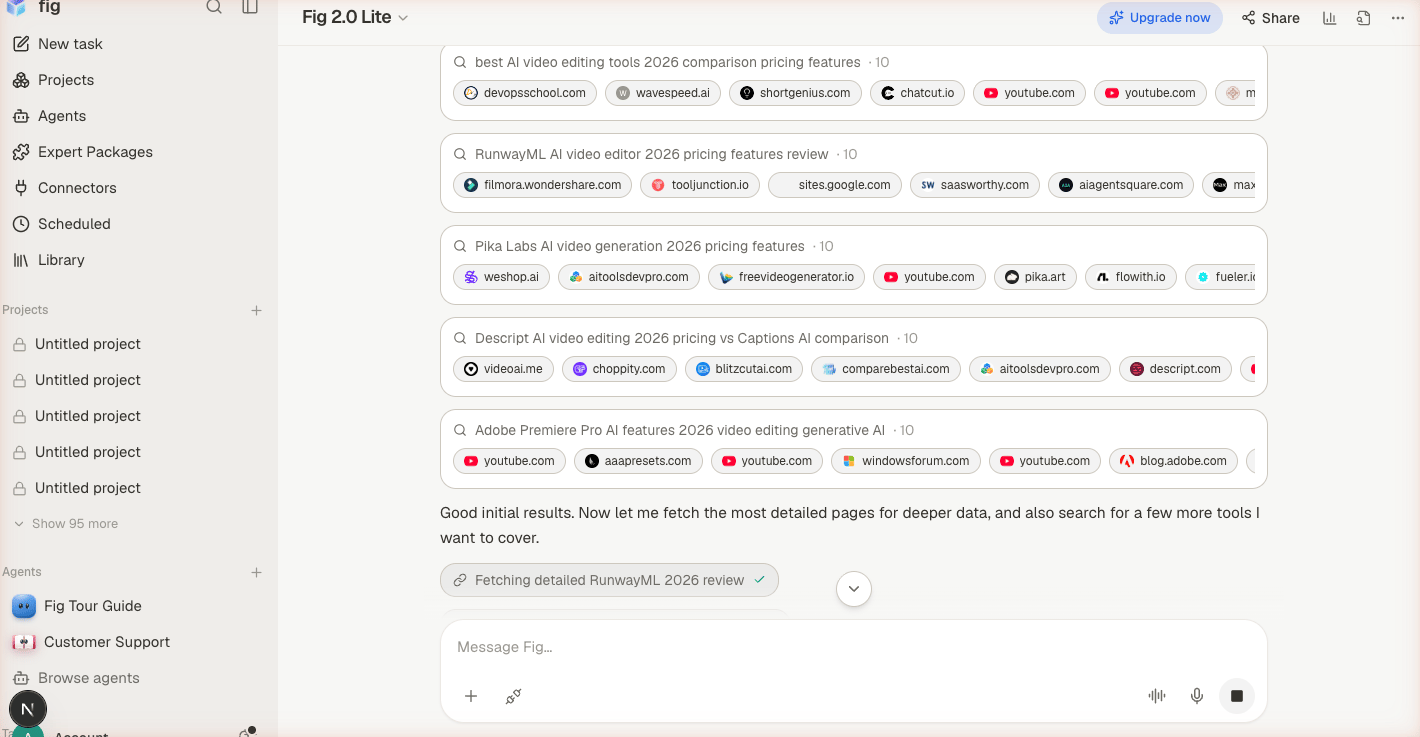
Deep research runs several searches in parallel, each gathering its own sources.