
Make it your own
The easiest way to fine-tune your website is to simply tell Fig what to change in the chat. For example, “Update the colors of my website to silver and gold” or “Make the headline bigger.” Fig updates your site and shows you a live preview. You can change just about anything this way:- Text — update any wording
- Images — swap in your own photos
- Templates — try a different layout
- Fonts & colors — match your brand’s look
- Sections — add, remove, or reorder parts of the page
- Business type — help Fig tailor the design to your kind of business
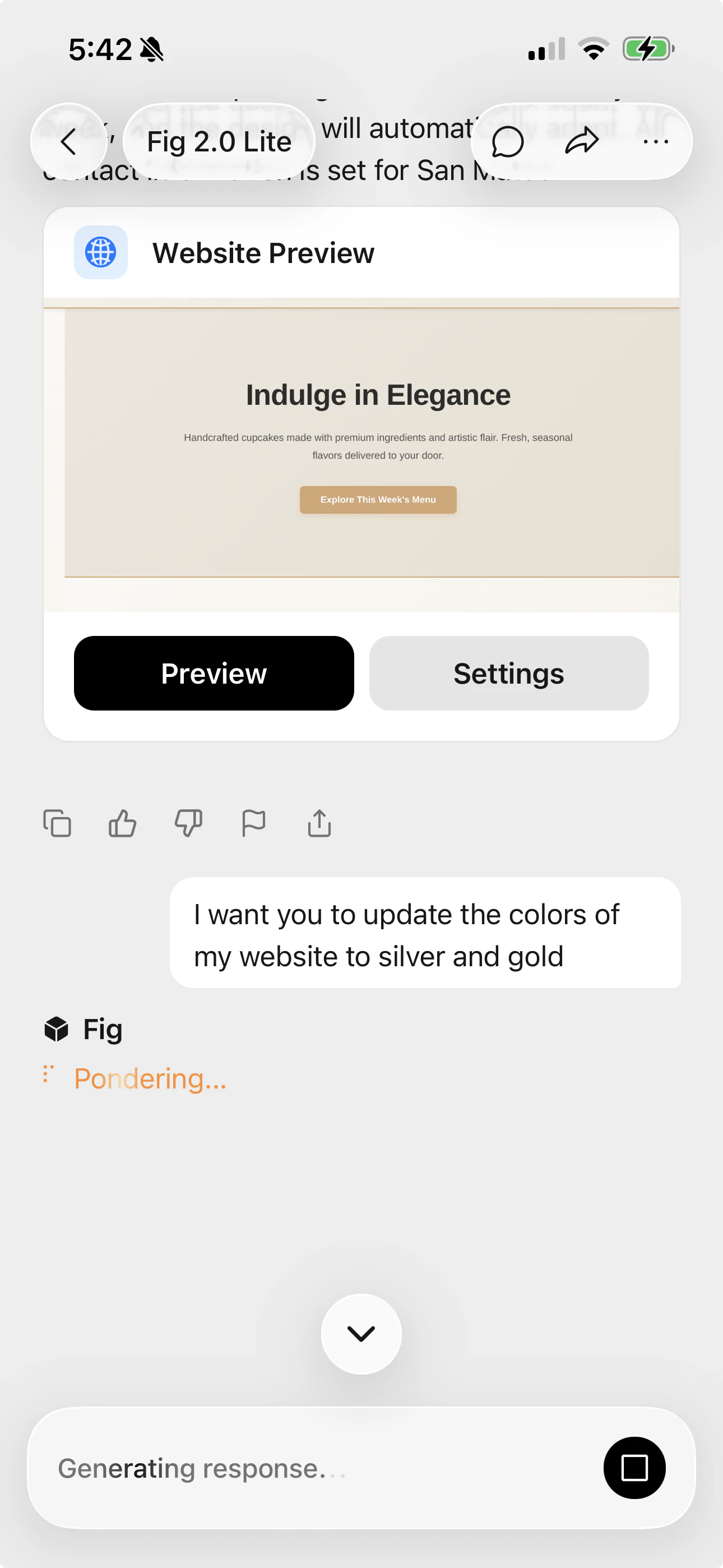
Tell Fig what to change in the chat, then tap Preview to see the result.
What’s next
Publishing
When it looks right, put your website online.