> ## Documentation Index
> Fetch the complete documentation index at: https://help.hellofig.io/llms.txt
> Use this file to discover all available pages before exploring further.
# Voice agents
> Create AI agents that handle voice calls for you, and review every call afterward.
A **voice agent** is an AI agent that can hold a real **voice conversation** —
useful for things like answering questions, taking details, or walking someone
through a process out loud.
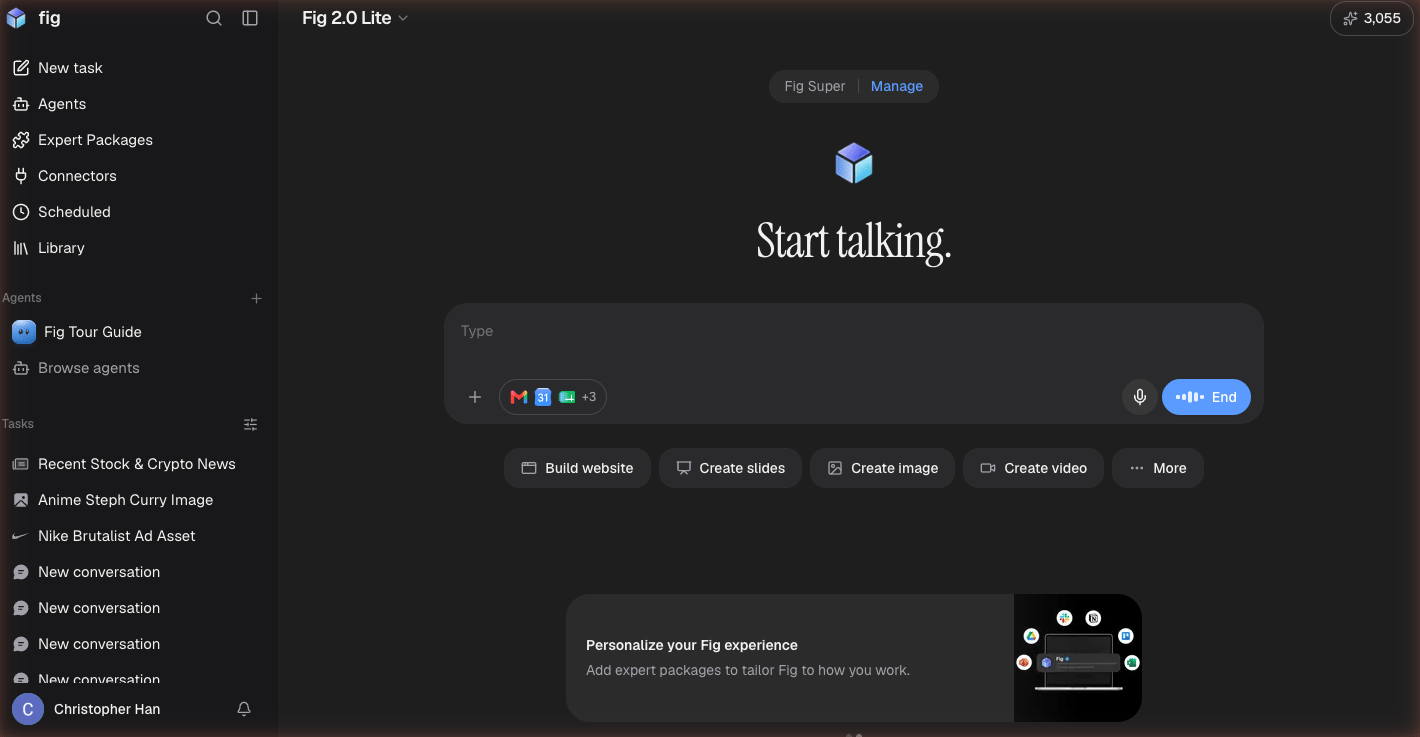
This is different from [talking with Fig](/features/voice), which is you speaking
to Fig yourself. A voice agent is an agent you set up to handle calls.
 ## Creating a voice agent
Open the **Voice agents** section and create one. You give it a name, a voice, and
instructions for how it should handle a conversation — what it's there to do, what
to ask, and how to respond.
## During a call
While a call is happening, an **in-call view** shows you what's going on in real
time.
## After a call
Every call is saved, so you can:
* **Review call history** — revisit past conversations
* **Track usage** — see how much your voice agents have been used
Give your agent clear, specific instructions — what to greet callers with, what
information to collect, and when to wrap up. The clearer the brief, the better the
call goes.
## Creating a voice agent
Open the **Voice agents** section and create one. You give it a name, a voice, and
instructions for how it should handle a conversation — what it's there to do, what
to ask, and how to respond.
## During a call
While a call is happening, an **in-call view** shows you what's going on in real
time.
## After a call
Every call is saved, so you can:
* **Review call history** — revisit past conversations
* **Track usage** — see how much your voice agents have been used
Give your agent clear, specific instructions — what to greet callers with, what
information to collect, and when to wrap up. The clearer the brief, the better the
call goes.